GDPR compliant
99.9% Uptime SLA
24/7 Multilingual Support
TimePax
Workforce Platform
Call us
+40 729 153 071
Try Free for 15 Days
Menu
Features QR + GPS Attendance Time and attendance tracking system Real-time Attendance Live workforce tracking Security Security monitoring & risk analysis Over/Missing Overtime, missing hours & absences Work Hours Hours reports & export ITM Reports Auto attendance & official export Shifts Schedules & shift planning Leave Requests, approvals & planning Public Holidays Manage by country and year Multi-Location All stores, one dashboard Location Manager Control for assigned stores Departments Team organization by department Permissions Module-based access control Analytics Advanced reports & insights Notifications Real-time communication Announcements Instant team communication Surveys Instant feedback & stats Field Teams Mobile staff & travel time Assets Equipment & assignments Visitors Check-in & scheduling Technical Requests & maintenance Solutions Restaurants HoReCa & chains Retail Supermarkets & chains Stores Shops & networks Bakeries Patisseries & production Hotels Guesthouses & resorts Clinics Practices & centres Factories Industrial production Corporate Offices & companies Large teams Any industry Pricing About Contact
Language
Solutions

Working Hours Reports

Clear Working Time Analysis Without Manual Calculations

Easily access and analyze employee working hours while eliminating manual processes and reducing the risk of errors. TimePax transforms all attendance data into clear, detailed reports available instantly in Excel and PDF format.
Per-employee reports
Multi-level filters
Excel/PDF export
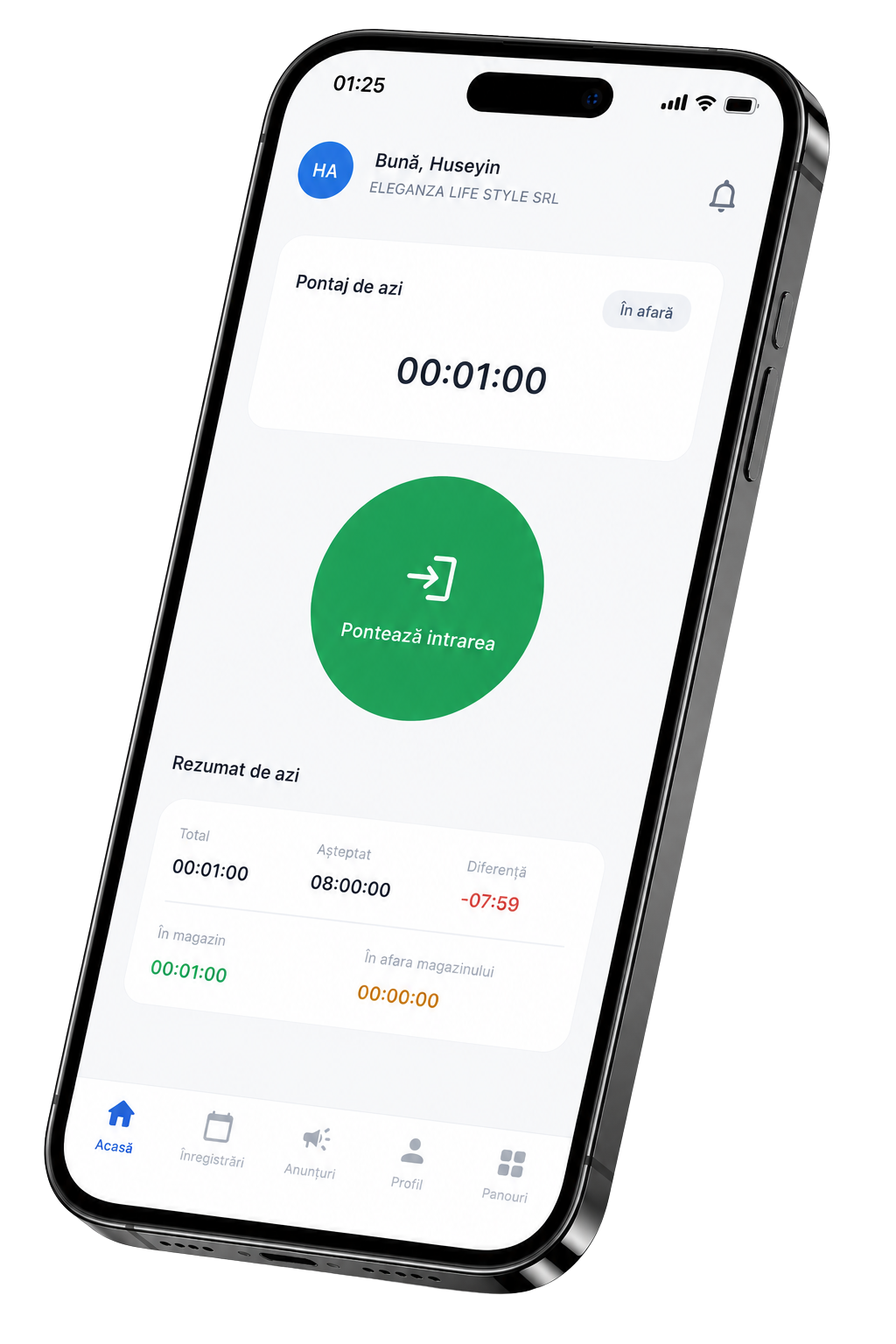
TimePax app for your employees
Auto Hours calculation
PDF Instant export
Live Updated data
Attendance history

Detailed Reports for Each Employee

Quickly get information on:

  • Daily hours worked;
  • Total monthly hours worked;
  • Overtime;
  • Missing hours;
  • Absent days;
  • Late arrivals;
  • Leave status.

Location & Department Analytics

All reports can be filtered and analyzed for the entire company, each store or work site, department, or employee — so you can quickly spot schedule gaps or areas that need adjustment.

Complete Activity History

TimePax keeps a full history of all check-ins and gives a clear view of each employee's activity. You can see:

  • Which locations they worked at;
  • Hours spent at each location;
  • Days they were absent;
  • Activity trends over time.

Excel & PDF Export

All reports can be exported with one click in Excel or PDF format and used for:

  • Accounting;
  • Payroll;
  • Internal analysis;
  • Operational management;
  • Audits and inspections.

Real-Time Updated Information

Reports are automatically generated from employee check-ins, giving managers and accountants permanent access to up-to-date information.

With TimePax, working hours are always visible — clear reports, fast export, informed decisions.